- Role
- Founder, designer, and the only engineer
- Platform
- iOS app, marketing site, API
- Built with
- Expo, React Native, TypeScript, Next.js, Express, MongoDB
- Links
- App Store · healthsome.io
Why it exists
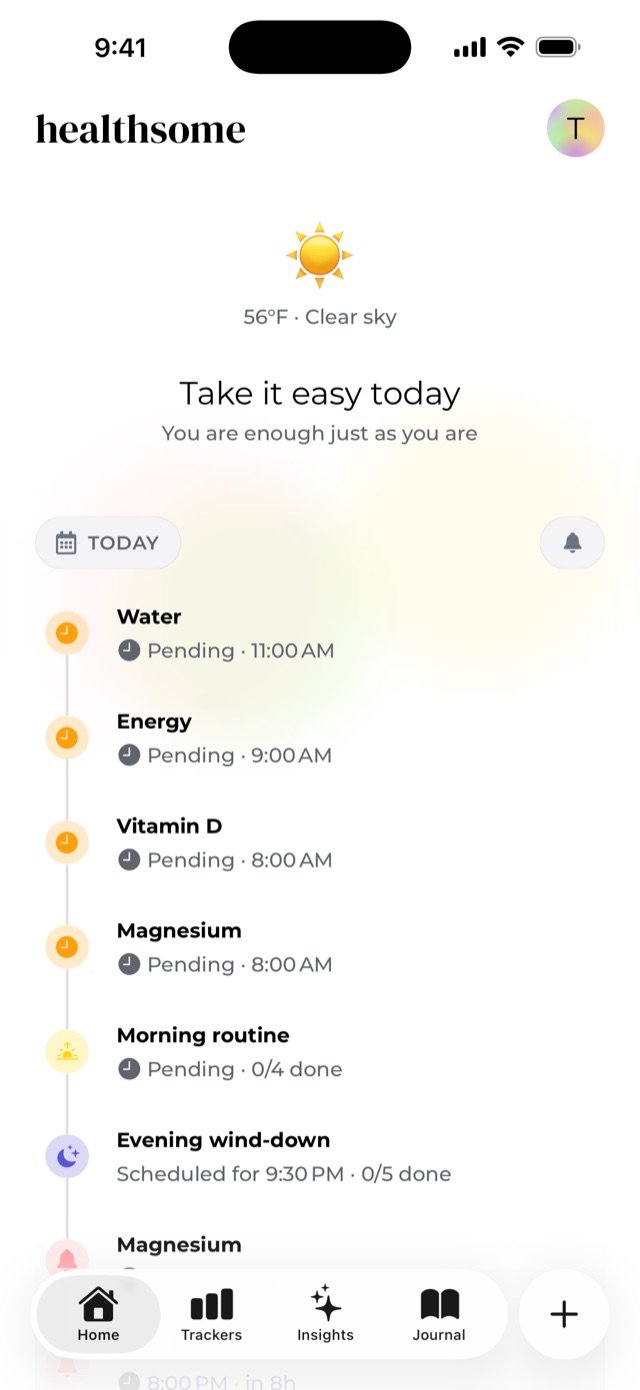
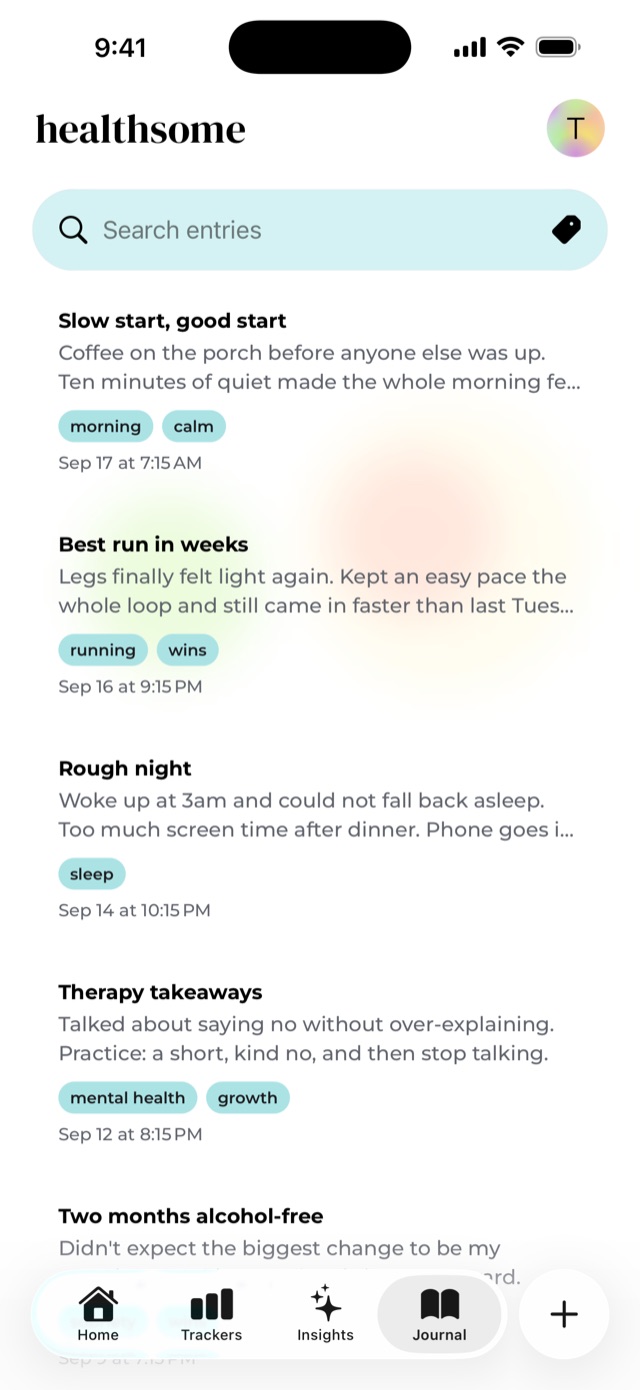
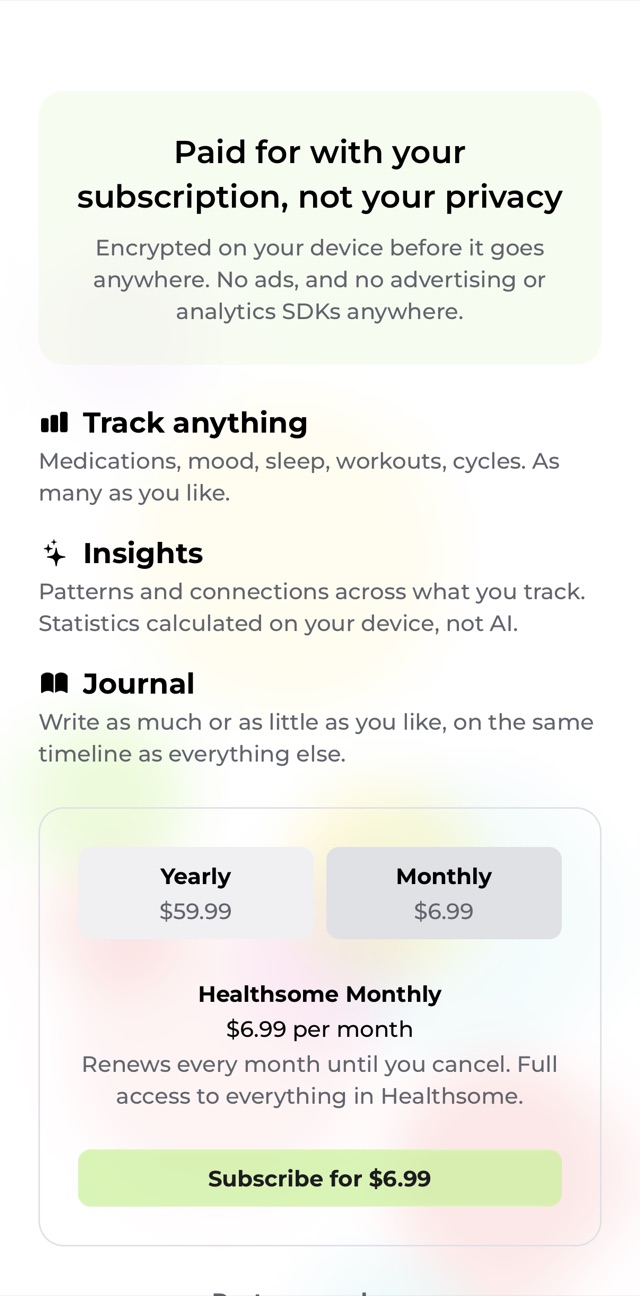
Healthsome is a health tracker for people juggling a lot at once: medications, sleep, mood, habits, cycles, workouts. It grew out of managing my own PTSD, and it's built on one rule: your health data is yours. Everything you log is encrypted on your phone before it goes anywhere, so my server only ever stores it scrambled (I couldn't read it even if I wanted to, which I don't!).
The design system
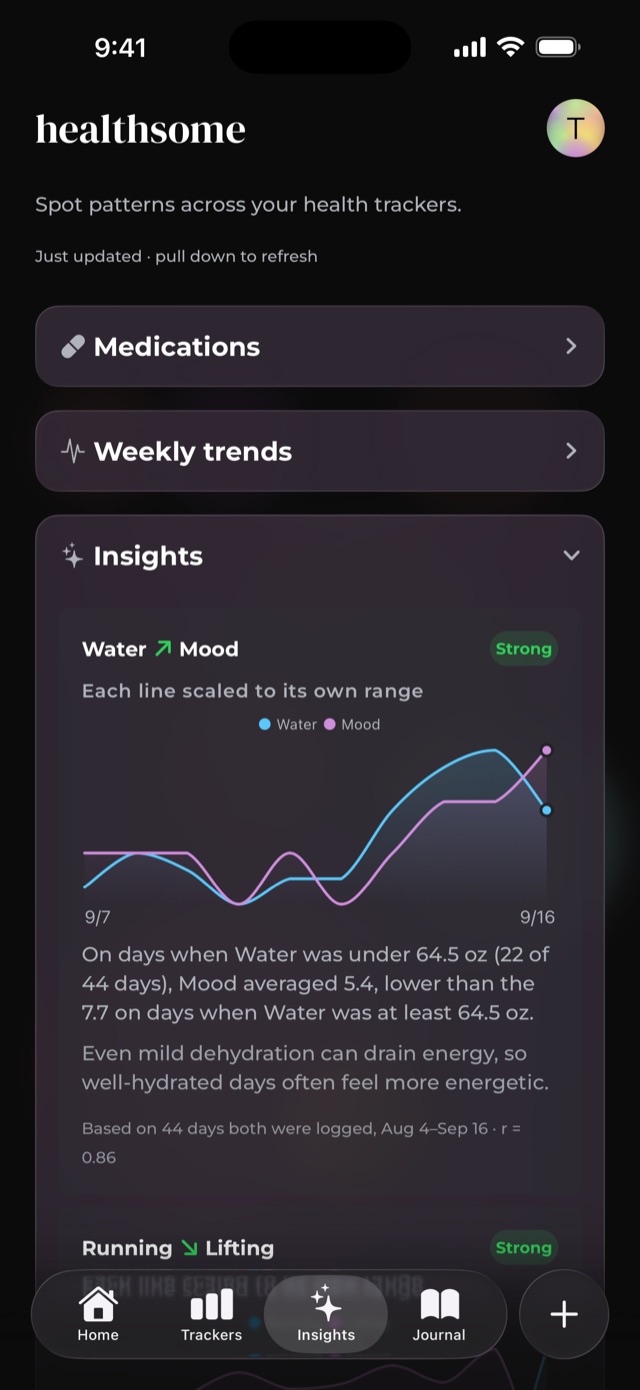
The whole app sits on a soft, blurry color field, with content floating above it on glass. That gave me two jobs: make the glass feel good, and make sure nothing on top of it gets hard to read.
Under the hood it's a small component library of about two dozen pieces (surfaces, buttons, inputs, cards, sheets, chips) built on shared color and spacing tokens, with light and dark mode designed together rather than one flipped into the other. Each section of the app has its own accent color. Those accents are deliberately pale, because their job is to tint the glass behind content, not to be the content.
Detail: glass that works everywhere
Apple's new Liquid Glass material looks great on iOS 26. The catch (and it took me a while to notice) is that below iOS 26, the native glass view doesn't fail loudly. It just quietly renders a flat, tinted rectangle with no blur at all. Over the app's colorful background, every card turned into a muddy, low-contrast block for anyone on an older phone.
So I built a drop-in GlassSurface component that checks once whether Liquid Glass is available, and falls back to a real blur when it isn't: same tint, actual softening of what's behind it. I also paint the tint myself instead of handing it to the native view, because iOS 27 started rendering that tint far weaker than iOS 26 did. Every screen uses the same component, so every screen got the fix at once.
Detail: chart colors that pass contrast
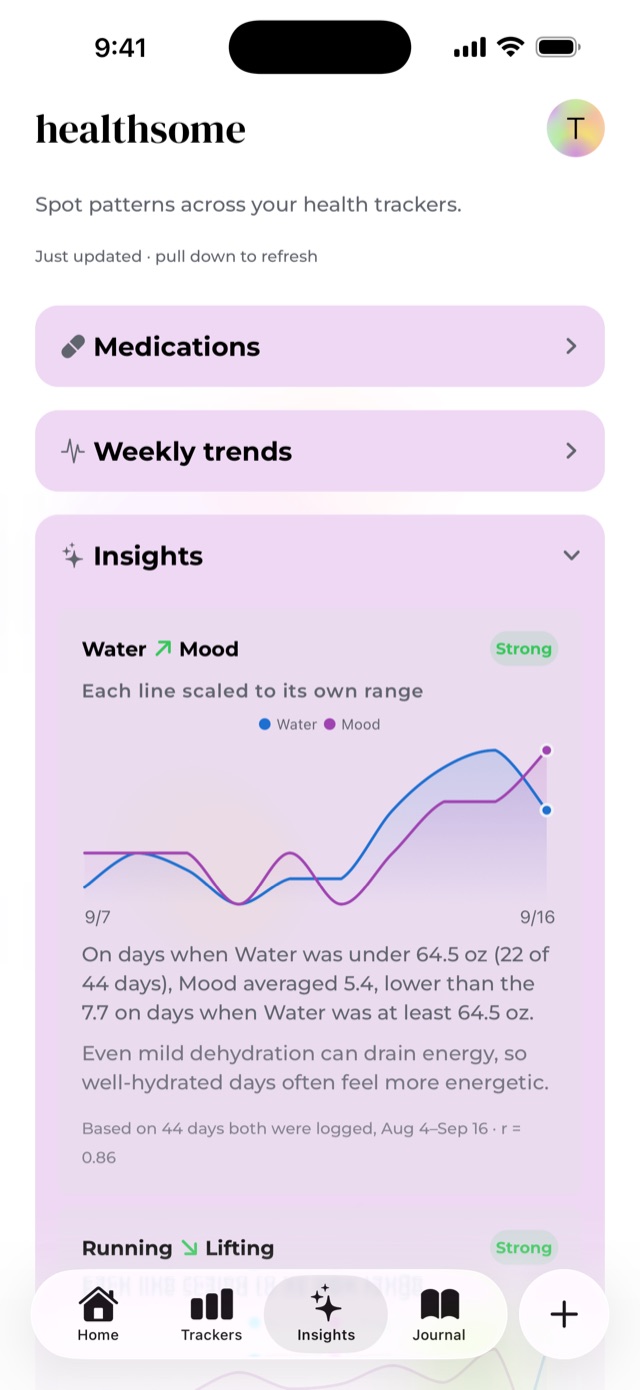
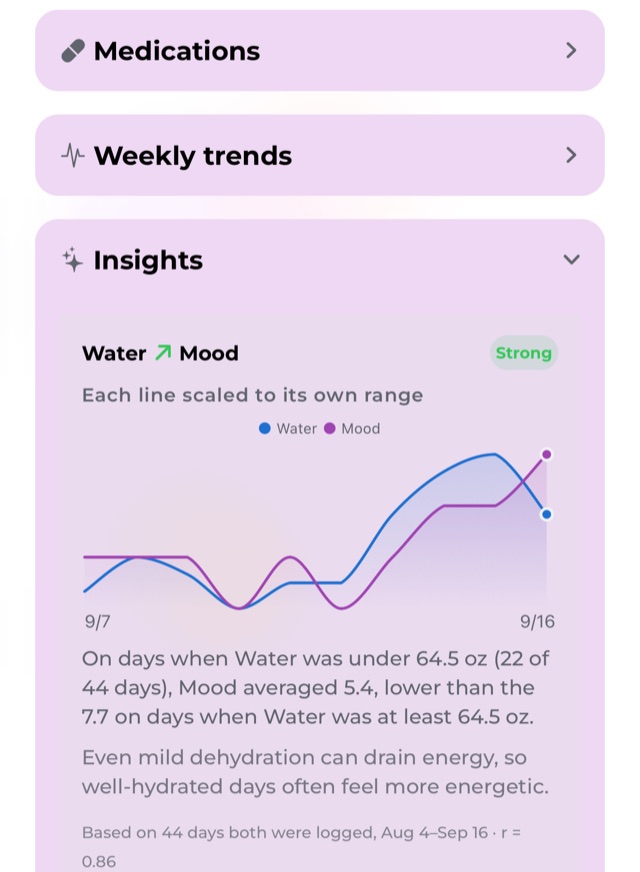
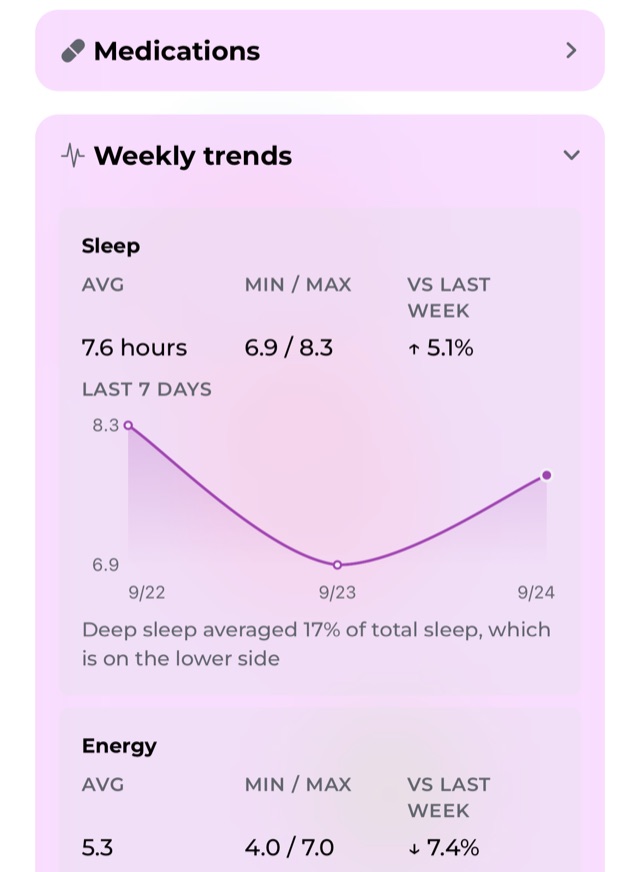
Pale accents are lovely as a tint and terrible as a chart line. The Insights purple, drawn as a two-pixel line, came out at 1.9:1 against its card, well under the 3:1 minimum that accessibility guidelines set for graphical objects. So charts get their own ink: the same hues, stepped darker or lighter for each mode until they clear that bar. Dark mode is its own chosen step, not an automatic flip of light.
Detail: statistics people can actually read
Insights looks for real relationships between the things you track, like whether you sleep better on days you walk more. The math is proper statistics (at least 8 days where both things were logged, significance tests, and a correction so it doesn't cry wolf), but nobody wants to read a correlation coefficient before coffee. So every insight leads with a sentence in plain language, shows both trackers on one chart with each line scaled to its own range, and tucks the numbers into a small footnote for anyone who wants them. It all runs on your phone. I did test an on-device AI model for this, but it kept hallucinating: describing numbers and patterns that simply weren't in the data (not great when the data is someone's health!). Plain statistics can't make things up, and every result can show its work.
It works, too. It's found real things in my own data: my mood goes up with the amount of reading I log. And I walk more on weekends, but take more flights of stairs on weekdays. That checks out, since I live in a loft and work from home (on a workday, the stairs are basically my commute).
Accessibility
Contrast is checked in both modes, including the small stuff like red error text on a yellow card (the standard iOS red is 3.1:1 there, so small text gets a darker red). Icon-only controls have screen reader labels, around 200 of them across the app. None of this is glamorous, but it's the difference between an app that looks accessible and one that is.
The marketing site
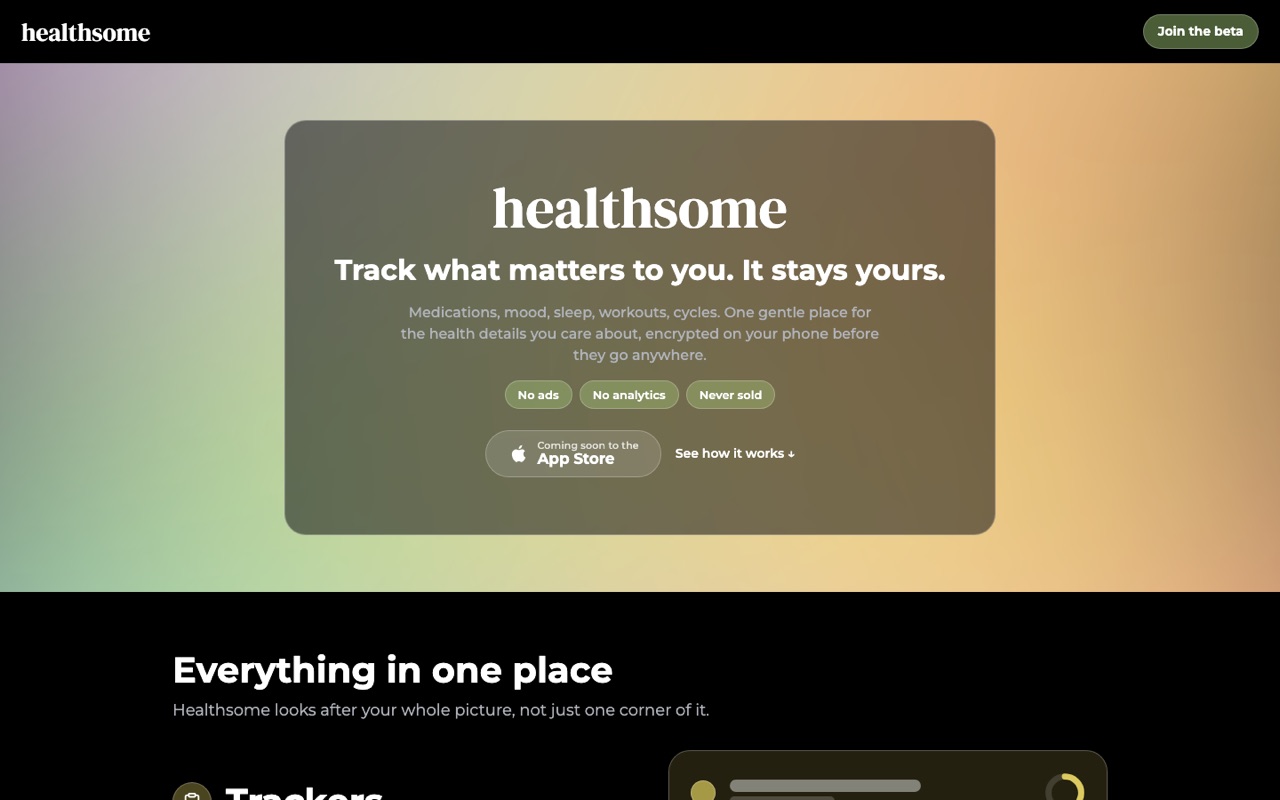
The site at healthsome.io is a Next.js app with the same gentle palette and glass cards as the app, so the first thing people see matches what they'll actually use.
What's next
Healthsome is out now on the App Store! Next up: an Android app and a Healthsome web app, so your data follows you to whatever device you're on (encrypted the whole way, of course). Plus more tracker types and more Insights along the way. If you'd like to try it, you can download it on the App Store!